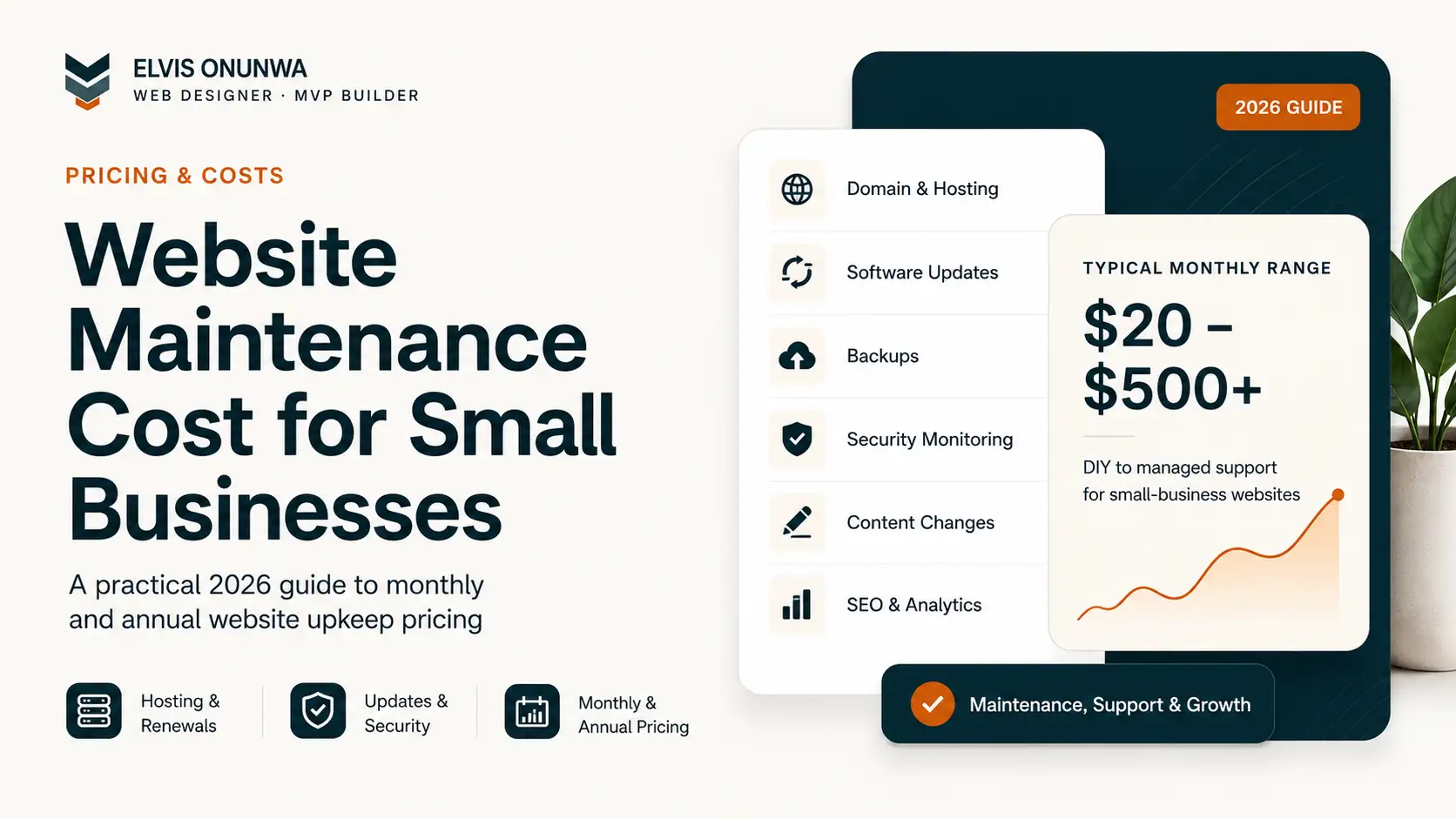
Website maintenance for a small business can cost under $100 a month or several hundred dollars a month. Both prices can be reasonable, but only if the scope matches the responsibility being taken.
The difference is usually not the number of pages on the website. It is how much responsibility a provider is actually taking.
A cheap plan may run automated updates, backups and uptime checks. A more expensive plan may add human testing after updates, content changes, form checks, malware cleanup, faster response times and reserved developer hours.
That is why asking only “How much does website maintenance cost?” is not enough.
A better question is:
What should this website maintenance package actually do for my business each month?
This guide gives you a practical way to compare small-business maintenance packages in 2026 without confusing hosting, support, SEO and development into one vague monthly fee.
Website maintenance package pricing at a glance
There is no regulated industry price for website maintenance, so treat any market range as a planning guide rather than a universal rate.
A useful way to compare packages is by the amount of human responsibility included:
| Package level | Typical use | What you should expect |
|---|---|---|
| Light / automated care | Stable brochure or simple site | Updates, backups, uptime checks, basic security monitoring |
| Managed small-business care | Lead-generation site that matters to the business | Human review, tested updates, monitoring, limited content edits, support |
| Priority business support | Site that generates regular enquiries or bookings | Faster response, more content/development time, proactive checks |
| Ecommerce / operational support | Store with payments, products, apps and integrations | Checkout testing, payment/app monitoring, recovery and higher support availability |
| Growth retainer | Business actively improving acquisition and conversion | Maintenance plus analytics, SEO, landing pages, experiments and development |
The important distinction is maintenance versus growth.
Keeping a site secure and recoverable is maintenance. Publishing new landing pages, running SEO experiments and redesigning conversion flows are growth work. A provider can offer both, but the quote should make the difference visible.
How much should you budget per year?
Annual cost is easy to underestimate because most maintenance quotes are presented monthly.
Before comparing providers, convert every recurring quote into the same 12-month number.
| Monthly maintenance fee | 12-month maintenance cost | What to check before signing |
|---|---|---|
| $100/month | $1,200/year | Are hosting, backups, support and small edits included? |
| $250/month | $3,000/year | How much human testing, content or developer time is actually reserved? |
| $500/month | $6,000/year | Are you buying maintenance only, or ongoing growth/development too? |
Those figures are simple planning maths, not a claim that every business should spend at those levels.
Then add costs the package excludes, such as:
- domain renewal;
- hosting or platform subscriptions;
- premium plugins, apps or licences;
- email, analytics or monitoring tools;
- emergency work outside the support agreement;
- major redesigns or new features;
- SEO, content or advertising work that is priced separately.
A plan advertised at $100 per month can therefore cost more than $1,200 a year if several required services sit outside the retainer. A $250 plan can also be better value than a cheaper plan if it replaces separate support bills and gives the business a defined response time.
When someone asks for the average annual website maintenance cost for a small business, I would not start with an average. I would start with the website’s dependency level: what breaks if the site is unavailable, a form stops sending, checkout fails or nobody is available to fix an update problem?
What should a $100-a-month maintenance package include?
Around this level, a simple business website should normally be buying reliability, not a marketing department.
A sensible package might include:
- core, theme or plugin updates where relevant;
- off-site backups;
- uptime monitoring;
- SSL and basic security checks;
- basic performance monitoring;
- a monthly health report;
- limited support for small technical problems.
What may not reasonably fit at this price is unlimited design work, weekly new pages, ongoing SEO strategy, copywriting, custom feature development and guaranteed emergency response at any hour.
For a stable brochure website, that can be enough.
For an ecommerce store or a website responsible for a large share of sales, it may be too little.
What should a $250-a-month package include?
At roughly this level, I would expect more human involvement.
That can include:
- everything in basic care;
- testing important pages after updates;
- contact-form checks;
- a defined allowance for content edits;
- faster support response;
- performance troubleshooting;
- analytics or Search Console checks;
- minor development work;
- a clearer recovery process when something breaks.
This level makes more sense for a business that actively gets leads from its website and wants someone accountable for keeping the customer journey working.
The key word is accountability. A $250 plan that only runs the same automated backup plugin as a $50 plan is difficult to justify.
What should a $500-a-month package include?
At this price, the service should normally go beyond basic maintenance.
A useful package might include a meaningful block of development or content time, priority response, staging and testing, deeper performance work, ecommerce monitoring, analytics reviews or ongoing conversion improvements.
The provider may effectively be acting as an extension of the business rather than simply keeping software updated.
If you are quoted $500 or more per month, ask for the monthly workload in concrete terms:
- How many support or development hours are reserved?
- What response time is guaranteed?
- Is emergency work included?
- Are content changes included?
- Are analytics and conversion reviews included?
- Is SEO actually being worked on, or is “SEO monitoring” just an automated report?
- Does unused time roll over?
A larger retainer should buy either more work, faster response, more responsibility, or greater risk coverage. Ideally, it buys several of those things.
The four costs that maintenance quotes often mix together
I find it easier to evaluate any website care plan by splitting it into four buckets.
1. Infrastructure
This is the cost of keeping the site available on the internet:
- domain renewal;
- hosting;
- SSL;
- business email;
- CDN or platform fees;
- premium apps or plugins.
Some maintenance plans bundle these costs. Others do not.
Do not assume an expensive monthly plan is automatically justified because it says “hosting included.” For a simple static website, infrastructure can be inexpensive. For an application or busy ecommerce store, infrastructure can be materially higher.
If ownership is part of the maintenance discussion, read who should own your website, domain, hosting and code. For domain economics, I maintain a separate 2026 domain-cost analysis.
2. Technical care
This is the work that keeps the website stable and recoverable:
- software and dependency updates;
- backups;
- restore testing;
- uptime monitoring;
- security monitoring;
- performance checks;
- broken-form checks;
- incident response.
A WordPress site often needs more recurring update work than a static site because the CMS, theme and plugins can all change independently.
WordPress itself supports automatic updates, but automatic updating and responsible maintenance are not the same thing. A business-critical workflow should be tested after changes, especially if payments, bookings, forms or custom integrations are involved. See the official WordPress automatic updates documentation.
3. Content support
This is the human work of changing what customers see:
- editing text;
- replacing images;
- updating prices;
- adding products or services;
- publishing articles;
- creating new pages;
- updating team members or opening hours.
A plan that includes “unlimited edits” should define what an edit means and what fair-use limits apply.
Changing two sentences is not the same workload as designing a new landing page.
4. Growth work
Growth work is designed to make the website perform better commercially:
- SEO strategy;
- keyword research;
- new search landing pages;
- analytics reviews;
- conversion-rate optimisation;
- A/B tests;
- new lead magnets;
- content strategy;
- campaign support.
This is valuable, but it should not be disguised as ordinary maintenance.
If a website has traffic but does not produce enough enquiries, increasing the maintenance package may not solve the underlying problem. My traffic-but-no-sales diagnostic is a better starting point.
Maintenance needs change by platform
The platform matters because it changes what the provider is responsible for.
| Platform | Typical maintenance profile |
|---|---|
| Static / Jamstack site | Low infrastructure maintenance; mostly content, monitoring and occasional code changes |
| Wix / Squarespace | Platform handles most server maintenance; business still owns content and conversion work |
| Webflow | Managed infrastructure; designer support is mostly content, CMS, SEO and design changes |
| WordPress | Core, theme and plugin updates plus backup, security and compatibility work |
| Shopify | Shopify manages core infrastructure; merchant still manages apps, catalogue, theme, tracking and store operations |
| WooCommerce | WordPress maintenance plus checkout, payment and extension compatibility |
| Custom application | Code, database, infrastructure, integrations, monitoring and deployment responsibilities |
This is why I do not think every small business should automatically be sold an expensive care contract.
A well-built five-page service website can be deliberately engineered to need less maintenance. A custom product with authentication, payments and a database is a completely different responsibility.
Monthly retainer, annual plan or pay only when something breaks?
All three models can make sense. The important thing is to understand what risk you are accepting in exchange for a lower recurring fee.
Pay-as-needed works when:
- the site is simple and stable;
- content rarely changes;
- the platform handles infrastructure;
- the business can tolerate slower support;
- there are no complex integrations;
- the website is not central to revenue.
The advantage is obvious: you do not pay for quiet months.
The risk is availability. The developer who built the website may not be immediately free when you need help.
A monthly plan works when:
- someone needs to remain responsible for the website;
- response time matters;
- the site changes frequently;
- the business actively runs campaigns;
- forms, payments or bookings are important;
- integrations need monitoring;
- reserved development time has real value.
A retainer is partly a fee for work and partly a fee for continuity and availability.
An annual plan can work when:
- the scope is stable enough to define for a full year;
- the annual price is meaningfully better than paying month by month;
- cancellation and handover terms are clear;
- unused support or edit allowances are defined;
- the provider does not control accounts you should own yourself.
Do not choose annual billing only because the headline discount looks attractive. Compare the total annual obligation, what happens if the provider underperforms, and whether your domain, hosting, CMS, analytics and source-code access remain under your control.
The failure states a real maintenance plan should cover
Maintenance becomes valuable when something does not behave normally.
A useful agreement should make it clear who responds when:
- a contact form stops delivering enquiries;
- an update breaks a layout or plugin;
- a checkout or booking integration fails;
- SSL, DNS or a domain renewal causes an outage;
- analytics or conversion tracking stops recording;
- malware or suspicious activity is detected;
- a backup exists but the site needs to be restored;
- a third-party API changes and a customer journey breaks.
This is where an apparently expensive plan can become cheaper than ad-hoc support. The business is not only buying routine tasks; it may be buying someone who already understands the system when the abnormal case happens.
But the contract should say what is covered. “Monitoring included” is not the same as “we will fix the problem without another invoice.”
Website maintenance for ecommerce costs more for a reason
A store has more moving parts than a brochure site.
The maintenance responsibility can include:
- checkout testing;
- payment-provider changes;
- product and pricing updates;
- discount rules;
- shipping configuration;
- inventory integrations;
- app updates;
- order notifications;
- analytics and advertising tags;
- recovery from failed transactions or broken integrations.
On Shopify, Shopify manages much of the core hosting and commerce infrastructure. On WooCommerce, the business or provider has more direct responsibility for hosting, WordPress and extension compatibility.
If the store is already live, the maintenance question is less about platform labels and more about who tests the customer journey when apps, payments or integrations change.
12 questions to ask before buying a maintenance package
A price becomes much easier to judge when the scope is explicit.
Ask:
- Who owns the domain, hosting and website accounts?
- Is hosting included, and what happens if I cancel?
- How often are backups created?
- Has the restore process actually been tested?
- Are software updates tested by a person or simply automated?
- What is the normal support response time?
- What counts as an emergency?
- How many content or development hours are included?
- Do unused hours expire or roll over?
- Is malware cleanup included or only malware scanning?
- What is billed separately?
- Can another provider take over the website without rebuilding it?
That last question matters more than many businesses realise.
A maintenance relationship should make the website easier to own, not create dependency on a provider who controls the accounts.
Red flags in website maintenance pricing
Be cautious when the offer includes:
- “unlimited everything” with no definition;
- a low monthly price but large emergency fees;
- no written response time;
- no clear backup and restore process;
- updates with no post-update testing;
- expensive SSL renewal with no explanation;
- an SEO promise that consists only of automated reports;
- no account ownership for the client;
- no cancellation or handover process;
- a maintenance contract required only to keep the website online.
A care plan should reduce business risk. If leaving the provider causes the website to stop functioning, what you bought may be closer to rental than maintenance.
When website maintenance becomes website growth
There is a point where “maintenance” stops being the right word.
If the monthly work includes new search pages, ongoing conversion experiments, new automations, content strategy and feature development, you are paying for continuous website improvement.
That can be a strong investment when the website is already a meaningful acquisition channel.
But judge it against business outcomes, not against the price of a backup plugin.
For example, a service business paying $500 a month for growth support should be able to explain what the provider is improving: search visibility, lead quality, page conversion, campaign performance, operational automation or another measurable business objective.
Final answer: what should a small business budget?
There is no one correct monthly or annual maintenance price.
For a simple, stable website, a light care plan or pay-as-needed model may be enough.
For a lead-generation business website, paying more for human monitoring, tested updates, content support and dependable response can make sense.
For an ecommerce store or custom application, maintenance should be budgeted according to transactions, integrations, data, downtime risk and required response time, not according to the number of pages.
The practical rule is:
Compare responsibility, not just price.
A $75 plan with a clear scope can be better value than a vague $300 plan. A $500 plan can also be excellent value when it includes meaningful development time and protects a website responsible for substantial revenue.
Before signing, convert the quote to a 12-month total and separate it into infrastructure, technical care, content support and growth work. Once those numbers and responsibilities are visible, website maintenance pricing becomes much easier to understand.
Need someone to assess your website before you commit to a maintenance plan?
If your website is already live but forms are failing, updates keep breaking things, performance is slipping or you are unsure whether you need maintenance, a targeted repair or a redesign, send me the URL and the business outcome the site is supposed to support.
I can help you separate what needs ongoing care, what needs fixing once, and what should remain under your ownership before you commit to another monthly contract.
Tell me about the website or see how I approach web-design projects.